
Are you still spending $5, $10, or even more on Etsy or Teachers Pay Teachers for simple sight word worksheets? Or worse, spending hours scrolling through Pinterest only to find “free” printables that require your email address and a 10-page subscription?
As a mom of a 1st grader and a Pre-K student here in New Jersey, I’ve been there. We want the best for our kids, but we don’t have all day (or an unlimited budget) to prep for homeschooling.
Today, I’m revealing Canva’s best-kept secret. It’s the ultimate hack I use to create professional-level, personalized sight word games and worksheets in under 60 seconds. And yes, it’s completely FREE.

Why I Switched to “The Canva Method”
Most paid printables are “one size fits all.” But every child learns differently. Maybe your child’s school uses a specific high-frequency word list, or maybe they are struggling with just three specific words this week.
With this Canva hack, you can:
- Customize instantly: Add your child’s name or their favorite characters.
- Save Money: No more $15 workbook bundles.
- Eco-Friendly: Print only what you need, when you need it.
- Stay Seasonal (The “Cool Mom” Factor): This is my favorite part! You can instantly skin your worksheets for any holiday. Whether it’s Valentine’s Day hearts, the Easter Bunny, or Spooky Halloween themes, you can update your templates in seconds. It keeps the “same old” sight words feeling fresh and exciting all year, without spending a dime on new seasonal books.
My Sunday Afternoon Routine (The 60-Minute Prep)
Last Sunday, instead of dreading the week’s prep, I sat down with my kids and let them participate. That was the turning point: once they had a say in it, the resistance basically disappeared.
Pre-K Little One

We focused on the basics but made them fun. We searched for:
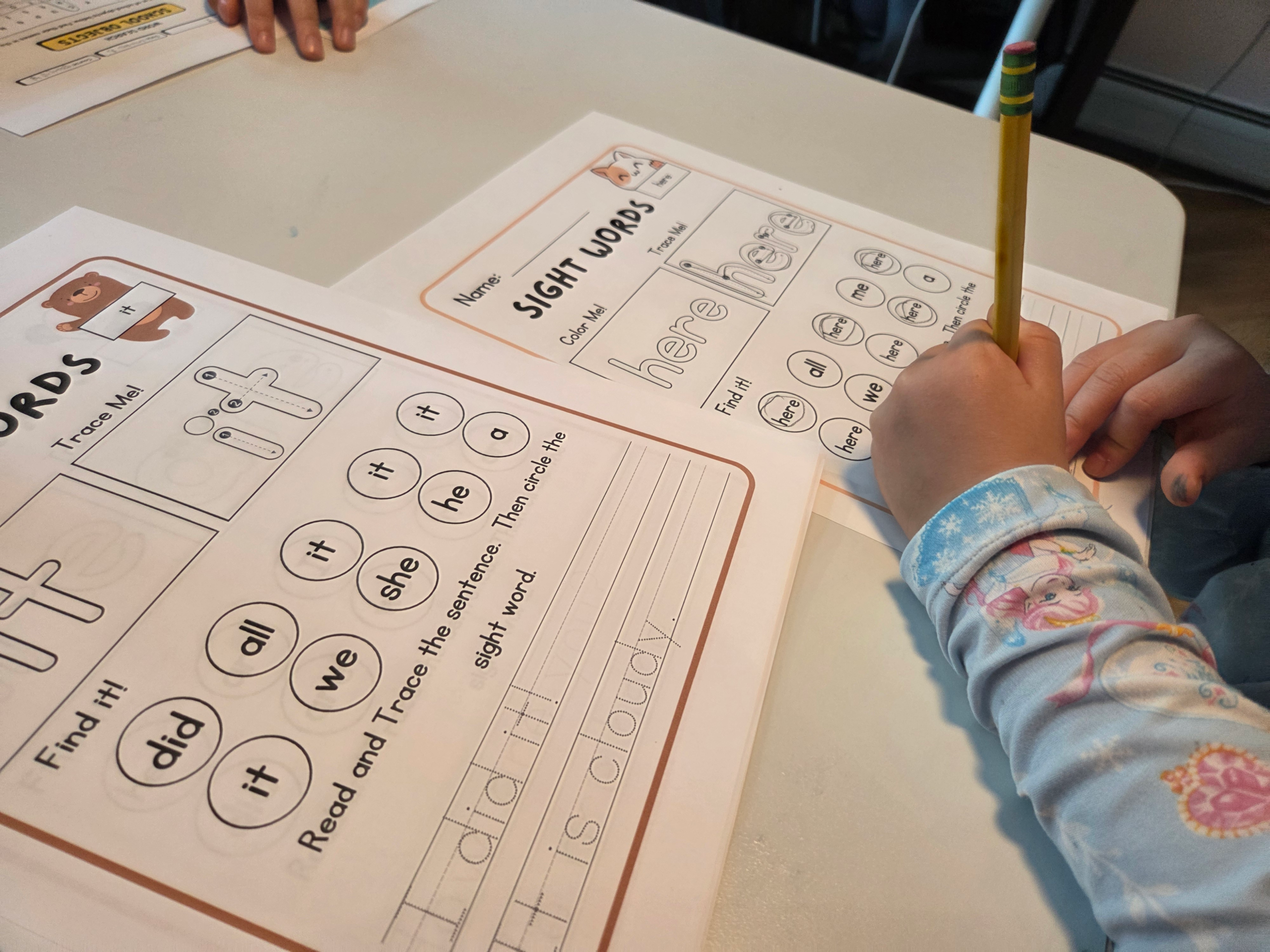
- Sight Words: Using those perfect dotted lines for tracing.
- CVC Words: Matching pictures of “Cat” or “Hat” with the letters.
- Number Sense: Counting worksheets with their favorite animals.
My 1st Grader

Since the level is higher, we went for “brain games” that felt less like school and more like a challenge:
- Custom Crosswords: Using this week’s spelling words.
- Word Scavenger Hunts: Hidden words around the house.
- Sudoku for Kids: Logic puzzles that they actually asked for!
The Secret Sauce: 3 Keywords to Unlock the Best Templates
The reason most moms can’t find good stuff on Canva is that they search for “Worksheets.” That’s too broad! To find the hidden gems, use these secret search terms in the Canva “Templates” bar:
- “Sight Word Bingo”: Perfect for turning a boring lesson into a fun Friday game.
- “Traceable Sight Words”: This brings up those perfect dotted lines for handwriting practice.
- “Missing Letter Worksheet”: Great for testing phonics and word recognition.
Step-by-Step: From Screen to Printer in 1 Minute

Step 1: Open Canva and Search. Type one of the secret keywords above. Choose a layout that looks clean and fun.
Step 2: The “Magic” Edit. Click on the text. Type in the specific words your child is learning at school this week (e.g., the, and, she, my). You can even change the font to “ABC Print” to match the style they use in NJ public schools!
Step 3: Download as “PDF Print”. Don’t just save it as a picture. Download it as a PDF Print for the highest quality. No more blurry lines!
Bonus Tip for Busy Moms: The “Bulk Create” Feature
If you have a list of 20 words, don’t type them one by one. Use Canva’s “Bulk Create” tool (found in the ‘Apps’ section). You can upload a simple CSV list, and Canva will generate 20 different worksheets for you in one click. Game. Changer.
Final Thoughts
Home-schooling (or just supplemental learning) shouldn’t be stressful or expensive. By using these Canva secrets, you’re not just saving money—you’re creating a customized learning experience that actually works for your child.
What sight words is your little one working on this week? Let me know in the comments, and I might share a custom template for you!
[🔗More Learning Tips?]